
Attention Check

The Attention Check settings (main menu: Edit > Project Settings, then select the mobisim > Attention Check category) let you adjust how attention checks behave during a participant's survey session. Each platform has its own Attention Check settings which you need to set for each version of your application that you want to build. To switch between them, click the tabs that show each platform's operating system icon.
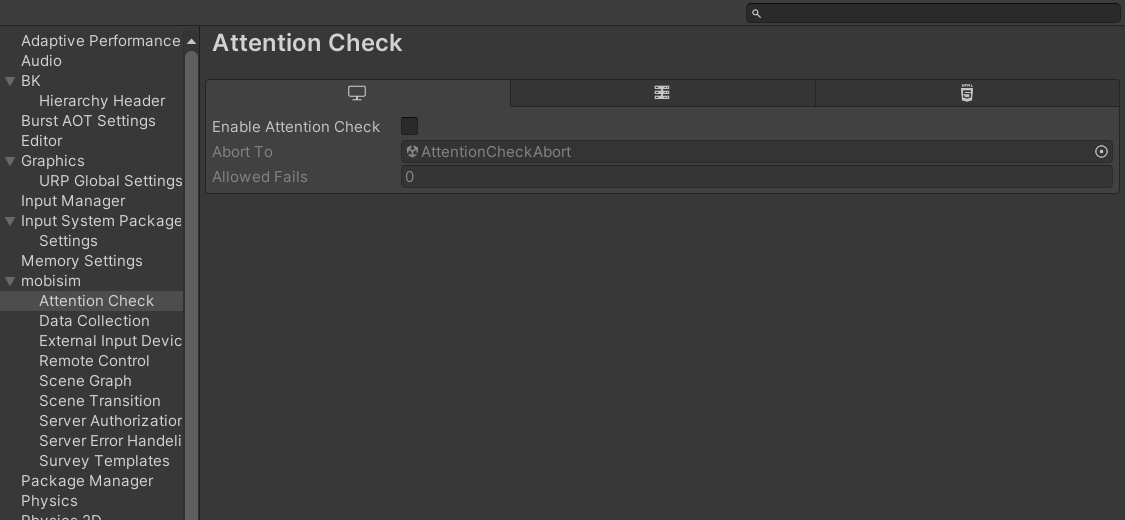
Attention Check Setting

Property
Description
Enable Attention Check
Master switch to enable or disable attention checks.
Abort To
The scene to load or transition to when the participant fails the attention check beyond the allowed attempts.
Allowed Fails
The number of times a participant can fail the attention check before the system aborts to the specified scene. For example, if set to 1, the participant can fail once; a second failure aborts the session.