Game Mode
If you open any scene created from the Mountain View Scene Template, you'll see a GameObject with a Game Mode component attached.
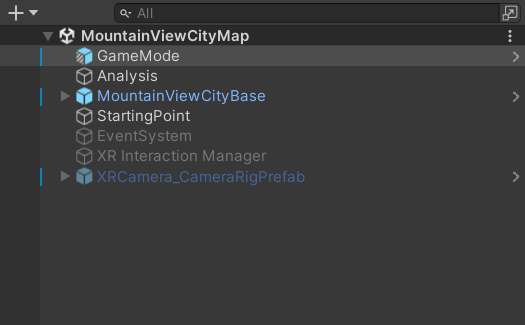
Every scene in the simulator should include a Game Mode component.
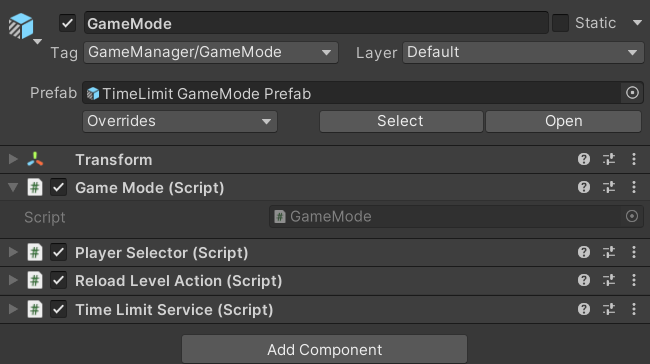
The Game Mode acts as a bridge to the Game Instance — a high-level manager that only exists when playing with the bootloader active. This setup lets components in the scene (such as timers, event triggers, or other services) trigger game-wide events through the Game Mode without needing to know how the Game Instance works.
If a scene has no Game Mode, important actions such as finishing the scene properly or sending results for saving are not possible.
When you play-test a scene directly (without the bootloader), the Game Instance is not active. This means Game Mode calls have no effect: the scene won't finish automatically and no data is saved. This is expected behavior.
For detailed usage of the Game Mode functions, see the Game Mode code reference. To learn how to configure Unity events, see the UnityEvent documentation.