Battery System
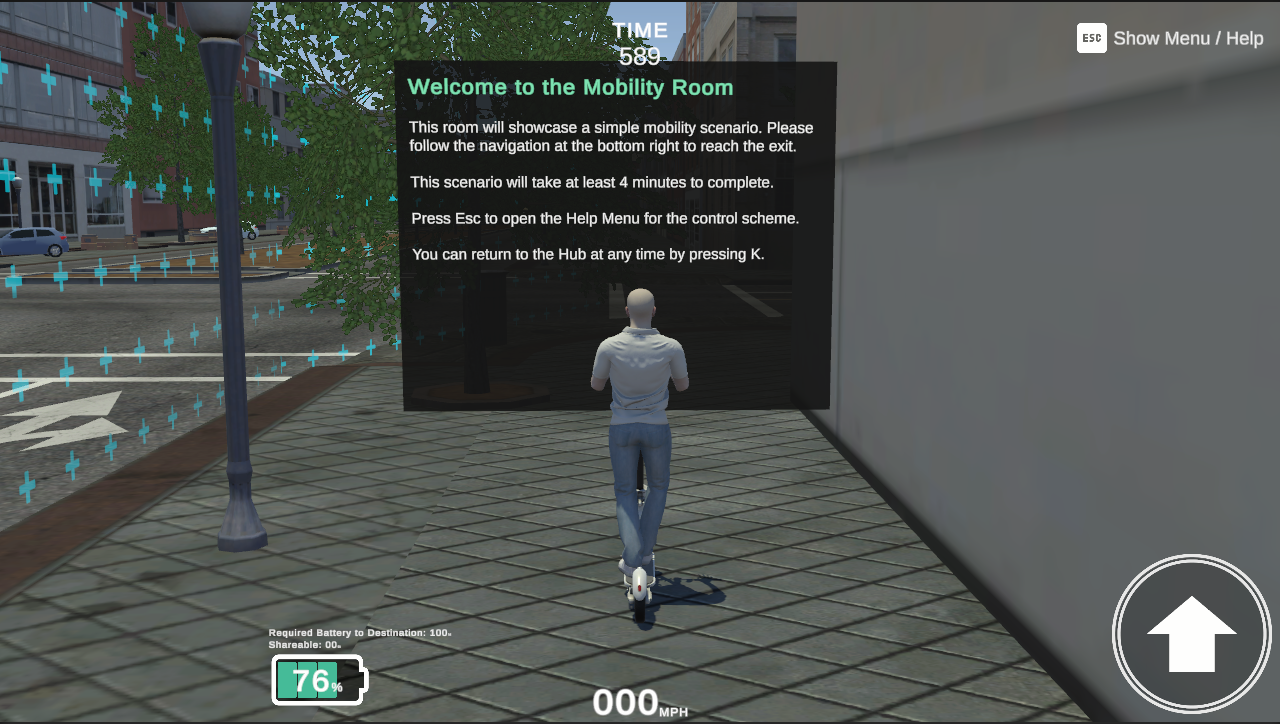
The Battery System is a consumable resource that limits participant actions and available time in a scenario.
The system consists of three parts: the core Battery System component, which is always required, and two optional extensions — the Battery Drain System component and the Shareable Battery System component.
For rapid setup, the project includes a BatterySystem Prefab (in Assets/mobisim/Battery/Prefab) with all three components preconfigured. It also contains a child Required Battery GameObject with a second BatterySystem. Drag the prefab into a scene to
get a ready-to-use battery system that you can customize further in the Inspector window.
Battery System Component
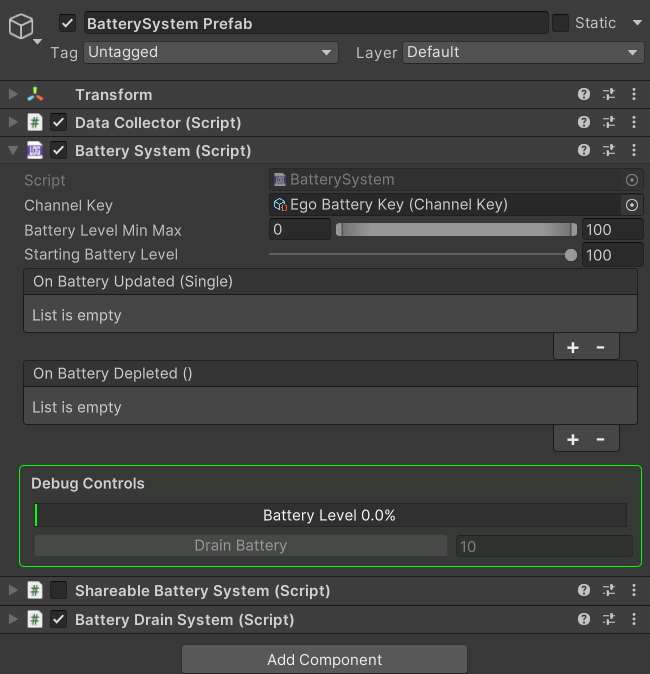
The BatterySystem component defines the core behavior and capacity of the battery. Each instance represents a single battery. Multiple
BatterySystem instances can exist in the same scene, but not on the same GameObject.
The component broadcasts its current battery level automatically through the configured Event Aggregator channel. You can also use its UnityEvent to pass the level to other components in the scene.
Drain by Event
To reduce battery charge manually, call:
batterySystem.DrainBattery(float drainAmount);
The argument is the percentage of charge to consume. You can call this method from code or from a UnityEvent.
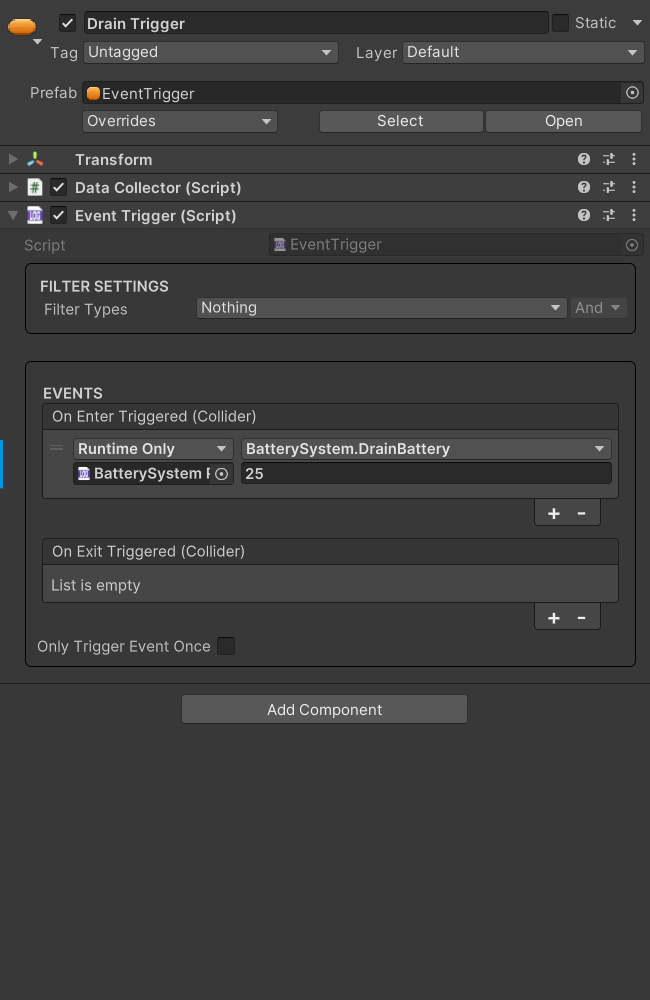
Configuring the Battery System Component
You can use the following properties to configure BatterySystem:
The Battery Drain System Component
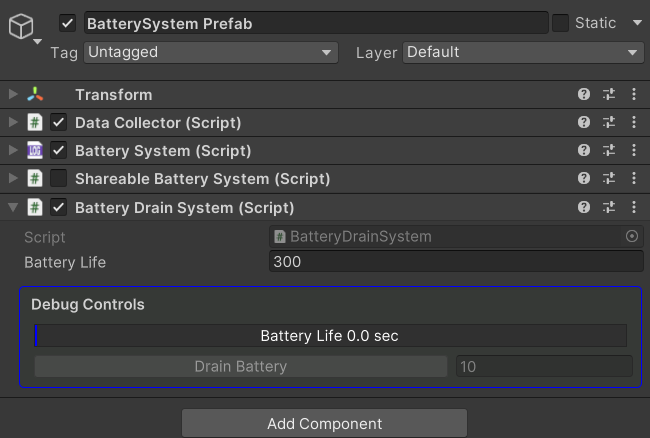
The BatteryDrainSystem component drains a battery over time. It can impose a time limit on a scenario or simulate constant energy
consumption by background systems.
Each BatteryDrainSystem instance is bound to the BatterySystem on the same GameObject (adding a BatteryDrainSystem also adds a BatterySystem if one is missing). Once it is attached, the battery depletes
steadily each frame until it reaches the minimum level defined in the BatterySystem.
The drain rate is calculated from the configured Battery Life and the min/max levels defined in BatterySystem:
Drain by Event
You can also drain the battery manually by calling:
batteryDrainSystem.DrainBattery(float drainAmount);
In this context, the argument represents elapsed time, which is converted internally into a percentage using this formula:
.
Configuring the Battery Drain System Component
You can use the following property to configure BatteryDrainSystem:
The Shareable Battery System Component
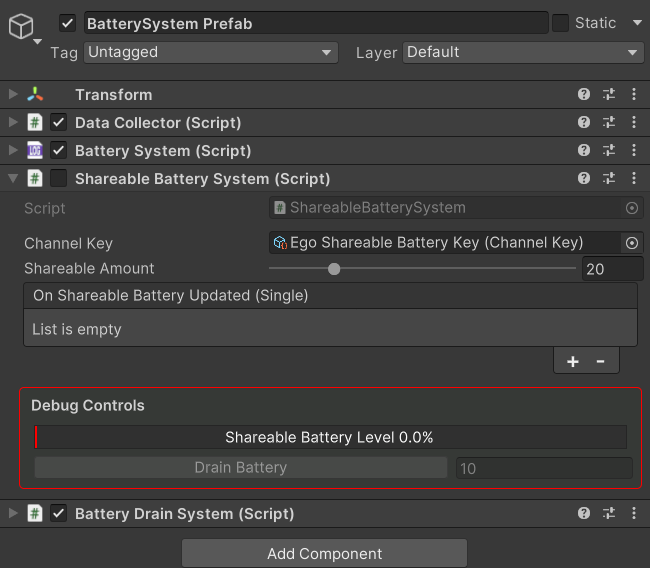
The ShareableBatterySystem component extends the base battery by designating a portion of the main battery as shareable. Each
ShareableBatterySystem instance is bound to the BatterySystem on the same GameObject.
The designated portion remains part of the same battery, but events intended to drain it can target it directly. In practice, the shareable portion acts as a drain limit that defines how much of the total battery external systems, such as events, can consume.
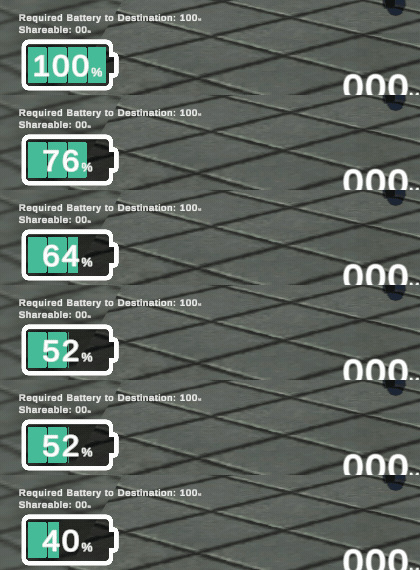
Draining through the shareable portion reduces the battery and also reduces the reserved value that tracks how much shareable energy remains. Draining directly from the main battery leaves the reserved value unchanged until the overall charge falls to that level. At that point, all of the unreserved charge has been drained, and the remaining charge is the reserved portion.
Like BatterySystem, ShareableBatterySystem broadcasts its current level automatically through the configured Event Aggregator channel. You can also use its UnityEvent to pass the level to other components in the scene.
Drain by Event
Call the component's DrainBattery method to drain from the shareable portion:
shareableBatterySystem.DrainBattery(float drainAmount);
The argument is the percentage to consume. The method clamps the drain so it never exceeds the current shareable value.
Configuring the Shareable Battery System Component
You can use the following property to configure ShareableBatterySystem:
User Interface
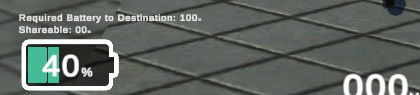
The Battery System and its extensions connect to UI elements to provide real-time feedback to participants. Each component broadcasts its current level as a message through the configured Event Aggregator channel, which the UI receives and displays automatically.
The BatteryUI prefab, located at Assets/mobisim/Battery/Prefab, provides a ready-made Battery Bar UI. It is already placed in the UI Overlay scene, so it is available in any scene loaded through the
Player Selector. The prefab is preconfigured to display the main battery level, the shareable portion, and the Required Battery level from the BatterySystem Prefab without additional setup.
Each indicator is linked to its respective battery through a dedicated channel. Inside the prefab,
BatteryMessageRelay components listen on those channels and invoke UnityEvents whenever a message is
received. The events are wired to update the bar visuals automatically as battery levels change. You can customize the UI behavior further in the Inspector window.