Scene graph
Every scenario is a plain hierarchy of actors, roads and props. Compose it in the Unity editor, and the same graph drives both the desktop build and the web build.
Scene graph in the manual →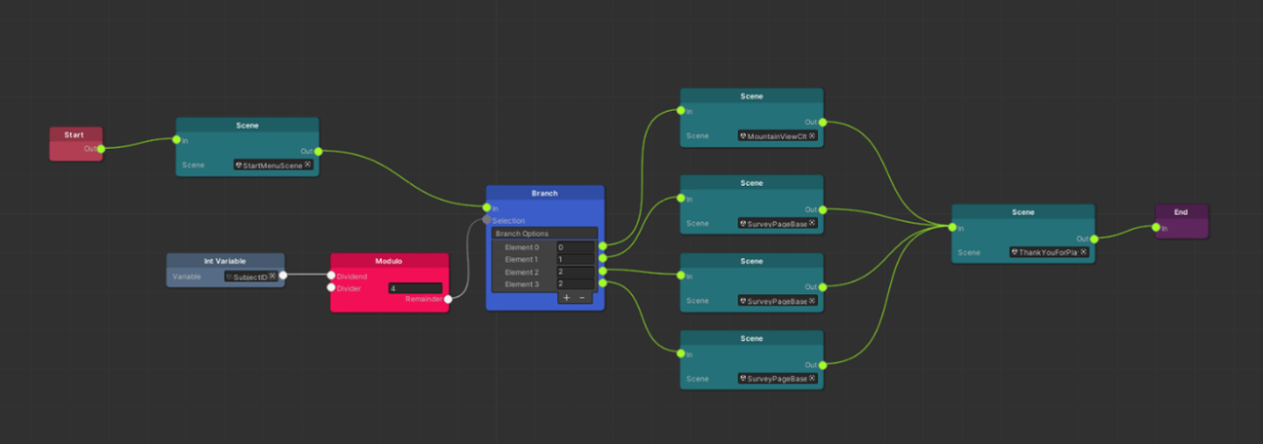
Data
Trajectories, interactions and events are logged continuously while the simulation runs, then exported for analysis without any extra instrumentation.
Logging and export →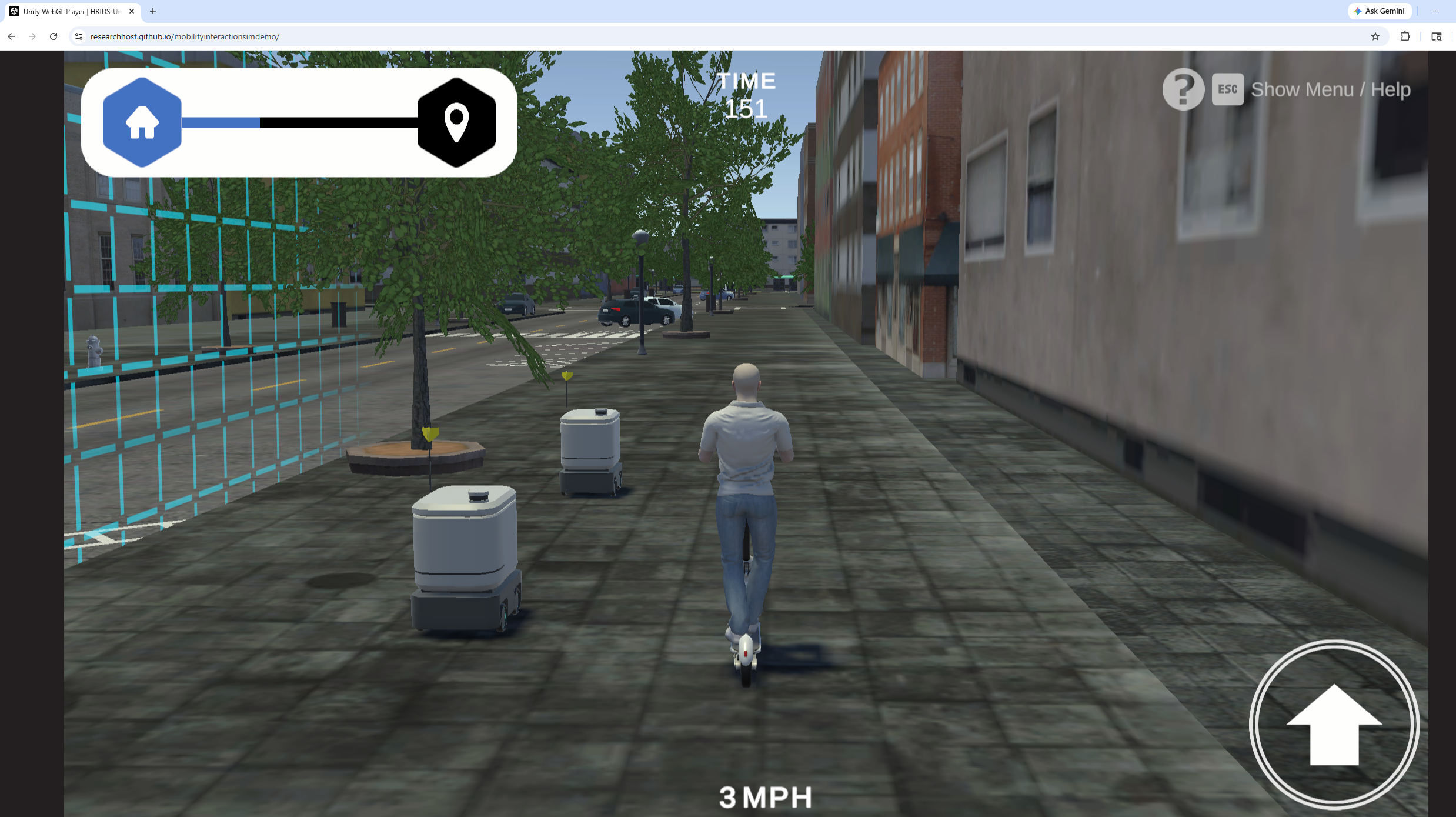
Mobility
Cars, scooters, bicycles and pedestrians share one mobility model, so a participant can switch vehicle type without rebuilding the scenario.
Mobility types →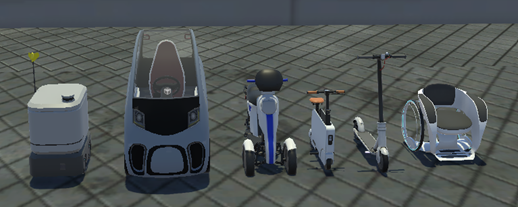
Assessments
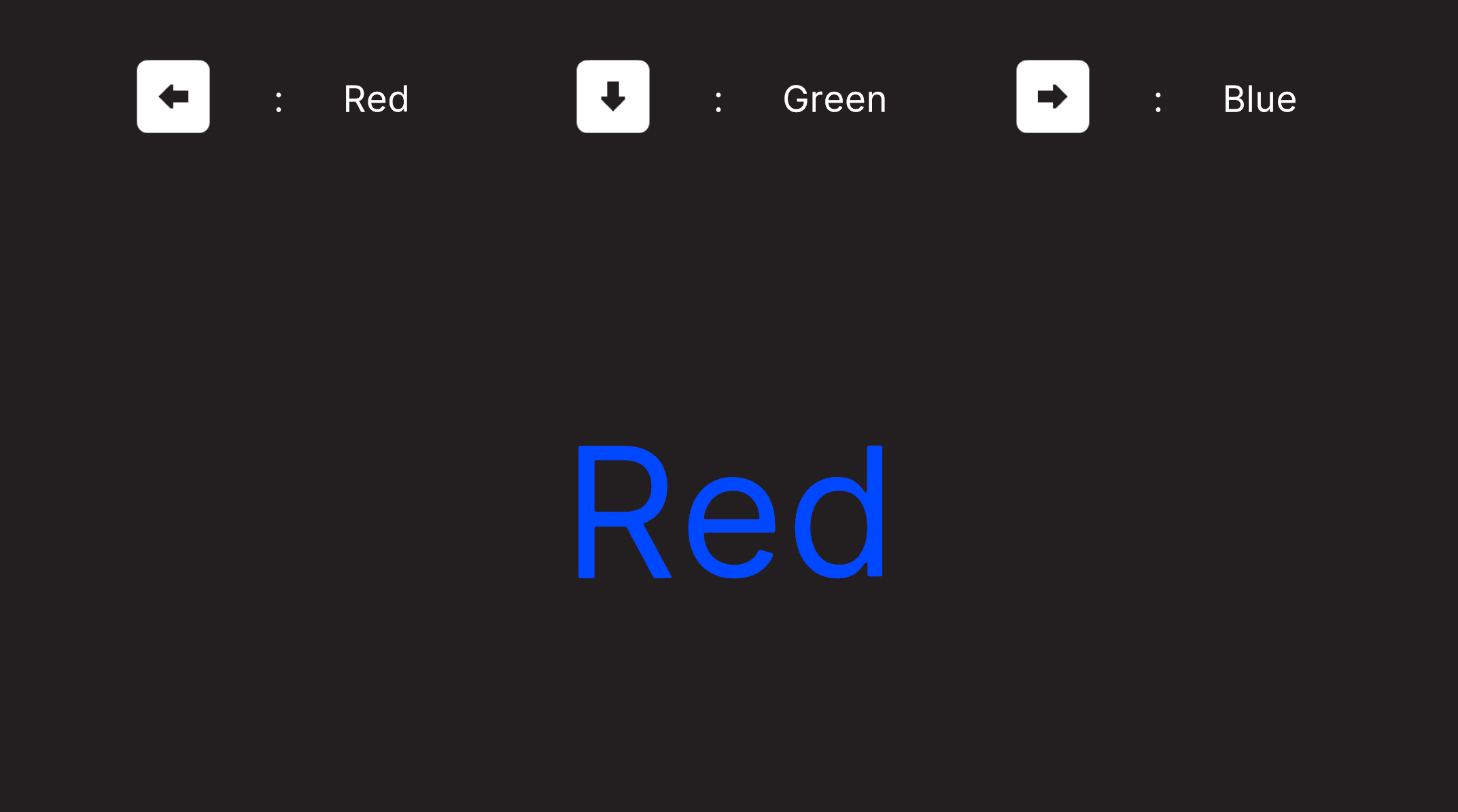
Surveys and cognitive tasks such as the Stroop test run in context — before, during or after a drive — and their answers stay aligned with the simulation log they belong to.
Assessment components →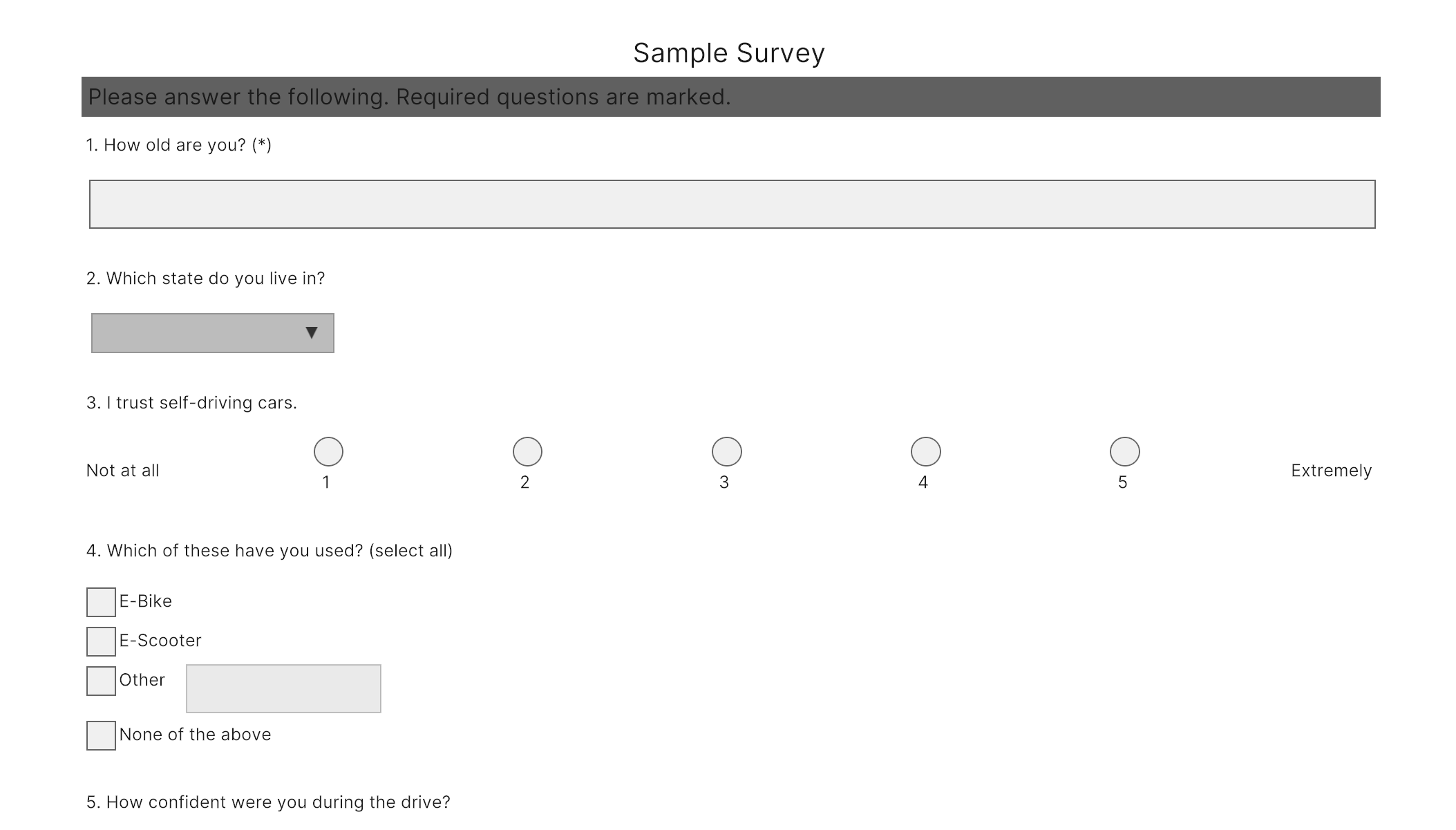
Scenario
Real-world maps, traffic rules and scripted events combine into repeatable scenarios you can hand to any participant, anywhere, through a browser.
Building a scenario →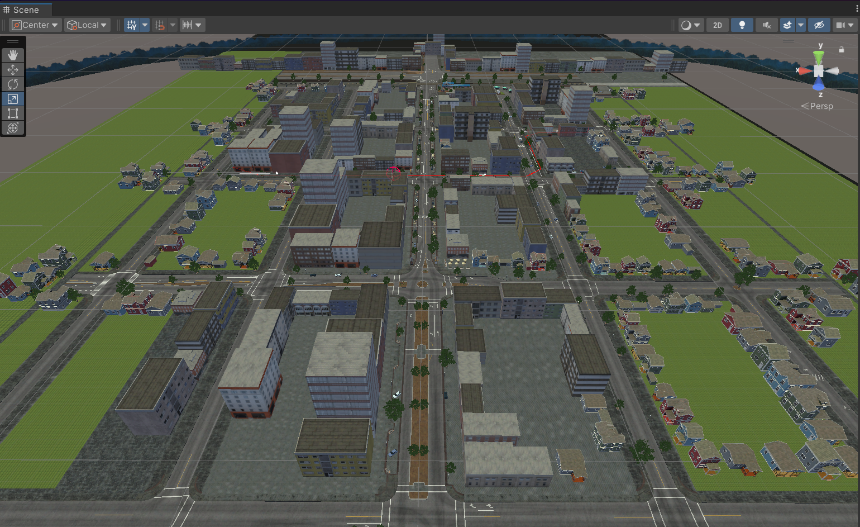
Ready to build your scenario?
Browse the manual, dig into the code reference, or jump straight into the interactive demo.
Read the Manual